 blog
blog
Best Refurbished Electronics for Students in 2026
Table of Contents
- Best Refurbished Electronics for Students: What Actually Matters
- Best Refurbished Laptops for Students by Coursework
- Refurbished vs. Used Electronics: Grading, Inspection, and What You're Really Buying
- Refurbished Laptop Warranty and Return Policies Explained
- Where to Buy Refurbished Electronics: Retailers, Auctions, and Surplus
- Beyond Laptops: Refurbished Tablets, Smartphones, and Desktops for Students
- Battery Health, Lifespan, and Total Cost of Ownership
- Conclusion
- Frequently Asked Questions
Last Updated: October 14, 2026
Best Refurbished Electronics for Students: What Actually Matters
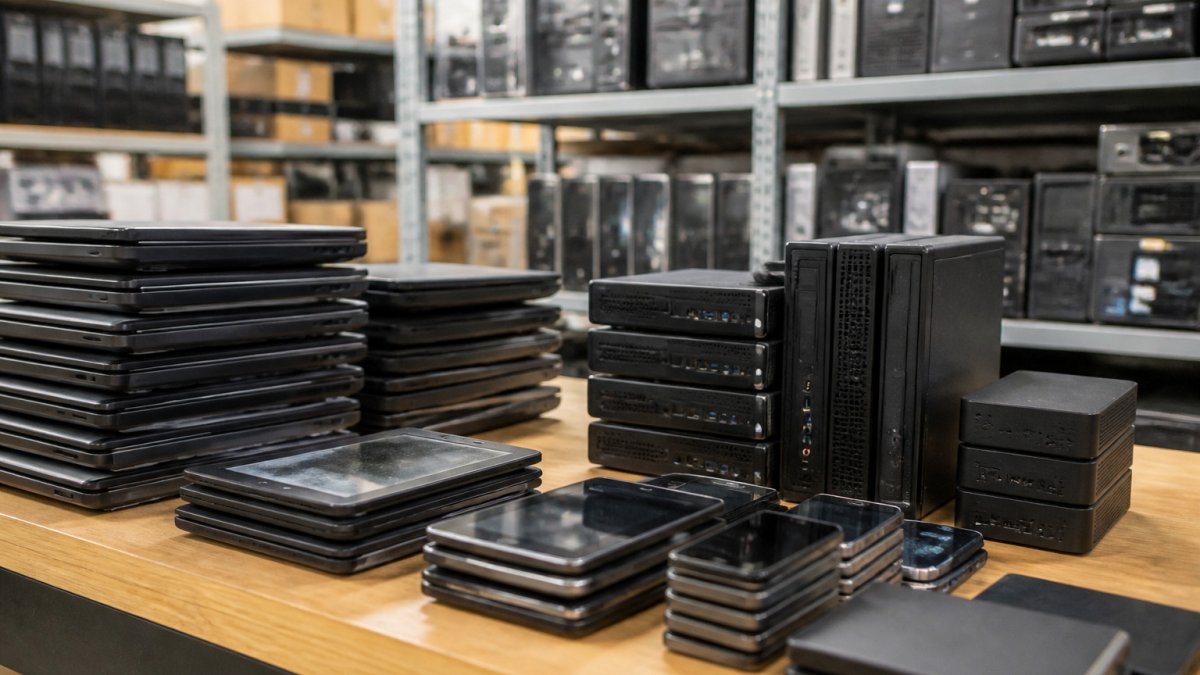
Refurbished electronics means reselling devices that have been inspected, repaired where needed, and returned to working condition, for students, the default way to stretch a tight budget.
Students need reliability, but new hardware prices keep climbing. A well-chosen refurbished laptop can cover four years of schoolwork for a fraction of retail; a poorly chosen one becomes a paperweight by midterms.
Why Refurbished Beats New on a Student Budget
A refurbished device typically costs a fraction of its new counterpart while offering the same core performance for schoolwork. The savings come from depreciation: the original owner absorbed the steepest drop in value.
A refurbished business laptop often outlasts a cheaper new budget model, because business-class machines have sturdier hinges, better keyboards, and more serviceable components.
The U.S. Environmental Protection Agency's electronics recycling guidance notes that extending a device's usable life is one of the most effective ways to cut electronic waste, which is a practical bonus for eco-conscious buyers.
Best Refurbished Laptops for Students by Coursework
The best refurbished laptop for a student depends on the major, not the price tag. A computer science student running virtual machines needs different hardware than a psychology student writing papers.
A quick rule: on refurbished business hardware, 16 GB of RAM and a 512 GB SSD is the sweet spot, enough headroom for four years of coursework, and usually the cheapest upgrade you can buy.
Business and General Coursework
Workload: word processing, spreadsheets, slide decks, video calls, browser tabs by the dozen.
Minimum specs that hold up:
- 4-core processor from the last several generations
- 8 GB RAM minimum, 16 GB preferred
- 256 GB SSD minimum, 512 GB preferred
Models that fit: refurbished business-class 14-inch machines such as the Lenovo ThinkPad T-series, Dell Latitude 5000-series, and HP EliteBook 800-series. These corporate fleet workhorses flood the refurbished market well below comparable new consumer laptops, with keyboards and hinges built for daily office abuse.
STEM and Computer Science
Workload: compiling code, running containers and virtual machines, data analysis, occasional GPU work.
Minimum specs that hold up:
- 6- to 8-core processor
- 16 GB RAM minimum, 32 GB if you run virtual machines heavily
- 512 GB SSD minimum, 1 TB preferred
Models that fit: refurbished mobile workstations and high-end business laptops such as the Dell Precision series, Lenovo ThinkPad P-series, and HP ZBook line. These ship with more memory slots and better cooling than thin-and-light consumer models, which matters when a compile job pins every core. If your program leans on GPU compute, confirm a discrete GPU first.
Design and Media
Workload: photo editing, video editing, illustration, 3D modeling, color-sensitive work.
Minimum specs that hold up:
- 6-core processor or better
- 16 GB RAM minimum, 32 GB for video and 3D
- 512 GB to 1 TB SSD, plus external storage for project files
Models that fit: refurbished mobile workstations with color-accurate panels, plus refurbished Apple laptops if your software requires macOS. The display is the component students most often overlook and cannot cheaply upgrade later, so prioritize the panel over a faster processor.
Flexible Note-Takers
Workload: handwritten lecture notes, PDF annotation, mixed typing and stylus use.
Minimum specs that hold up:
- 4-core processor
- 8 GB RAM minimum, 16 GB preferred
- 256 GB SSD minimum
- Touchscreen with active stylus support
Models that fit: refurbished 2-in-1 convertibles such as the Lenovo ThinkPad Yoga line, Dell Latitude 2-in-1 models, and HP EliteBook x360 series.

Business Laptops, 2-in-1s, and Convertibles Compared
| Category | Best For | Key Strength | Watch Out For |
|---|---|---|---|
| Business laptop | Writing, research, general coursework | Durability and repairability | Heavier than consumer models |
| 2-in-1 laptop | Note-taking, mixed use | Touchscreen and stylus support | Hinges wear with heavy use |
| Convertible laptop | Presentations, portability | Flexible form factor | Smaller screens on some models |
| Mobile workstation | Coding, media, engineering | Processor, memory, and GPU headroom | Shorter battery life and heavier chassis |
A common mistake is chasing the biggest screen or the lowest price. Screen size and portability trade off against each other, and most students are better served by a well-rounded 14-inch machine than a bulky desktop replacement. The second mistake is buying a consumer-grade refurbished laptop when a business-class model at the same price offers better build quality, more upgrade options, and a longer useful life.
Refurbished vs. Used Electronics: Grading, Inspection, and What You're Really Buying
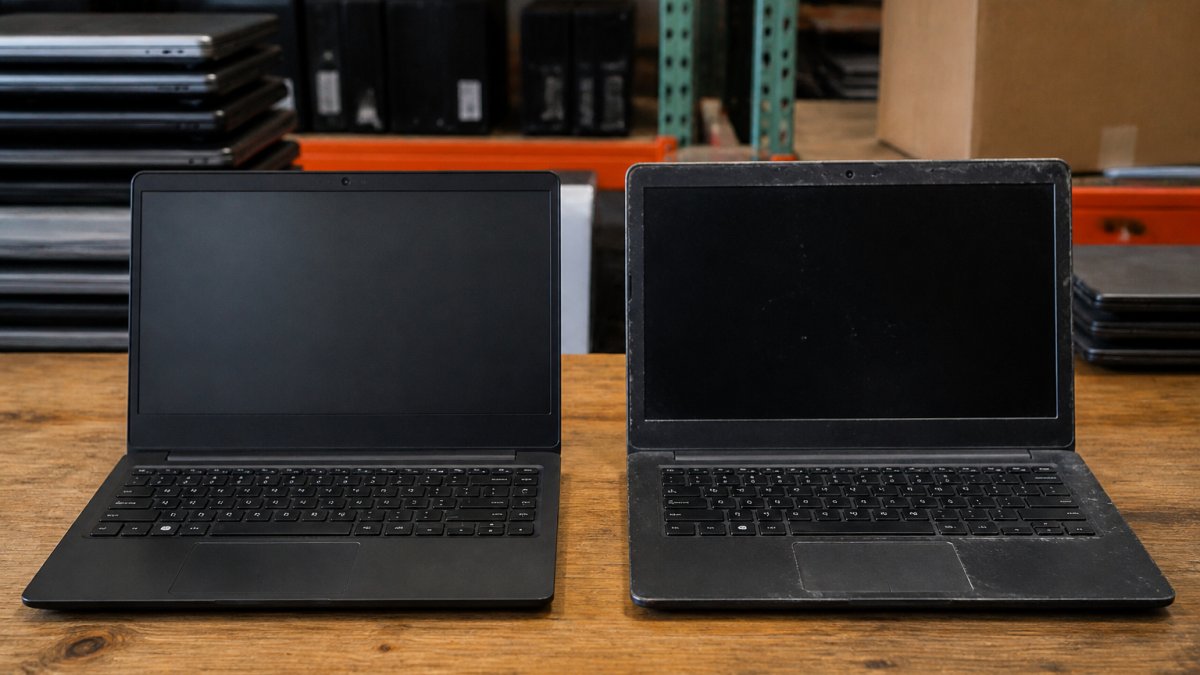
Certified refurbished and used are not the same thing. Certified refurbished means a device passed a documented inspection and any needed repairs; used simply means someone else owned it. That gap is where most buyer regret lives.
Here is the inspection checklist we would run against any listing before buying:
- Battery health reported as a percentage, not just "holds a charge"
- Screen checked for dead pixels and pressure marks
- Keyboard and trackpad tested across all keys
- Ports, webcam, and speakers confirmed working
Refurbished Laptop Warranty and Return Policies Explained
A refurbished laptop warranty is the single most reliable signal of seller confidence. Sellers who inspect their inventory stand behind it; sellers who flip untested pallets do not. Read the terms before you buy, because "as-is" listings shift all the risk to you.
What a fair policy usually includes:
- A stated warranty period covering hardware defects
- A return window for items that arrive not as described
- Clear language on who pays return shipping
- A defined process for refunds or replacements
If a listing offers none of these, treat the price as the total cost of a gamble, not a deal.
Where to Buy Refurbished Electronics: Retailers, Auctions, and Surplus
Knowing where to buy refurbished electronics matters as much as knowing what to buy.
Government surplus is the most overlooked option. Backed by our parent company, KVS Computers, we ensure a reliable experience for customers seeking quality tech deals.
The trade-off is timing. Auctions reward patience, so if you need equipment for a startup on a deadline, confirm shipping timelines before you commit.
Beyond Laptops: Refurbished Tablets, Smartphones, and Desktops for Students
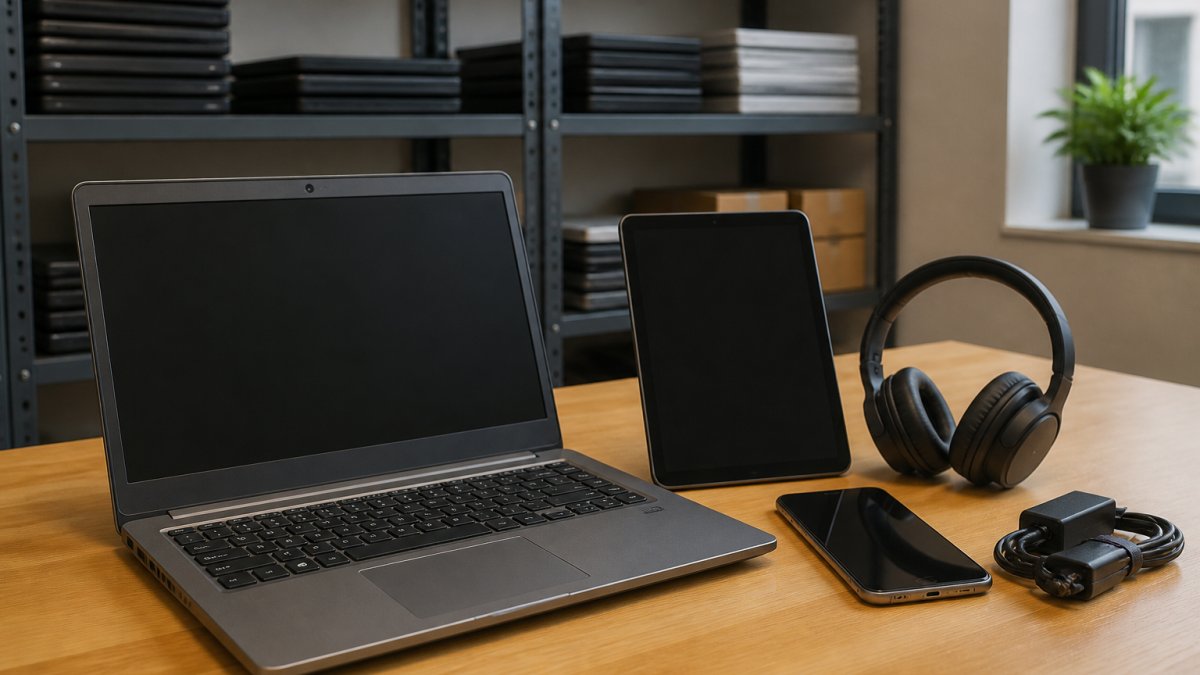
A refurbished tablet or smartphone often covers what a laptop cannot. Tablets excel at reading, annotating PDFs, and light note-taking, while a refurbished smartphone handles communication and campus apps without a new-device premium.
Many students assemble a small ecosystem instead of buying one expensive machine: a laptop for coursework, a tablet for reading, and a phone for everything else. Buying each refurbished keeps the total spend within a student budget.
Battery Health, Lifespan, and Total Cost of Ownership
Total cost of ownership, not purchase price, separates a good deal from a bad one. A cheap laptop that needs a battery replacement in six months costs more than a slightly pricier one that lasts three years. Here's the math, plus two factors competitors rarely mention: repairability and software update lifespan.
Battery Health: What the Number Means
Lithium-ion batteries lose capacity with every charge cycle. A battery rated at 100% health when new typically holds around 80% of its original capacity after a few hundred full cycles, and degradation accelerates after that.
A practical rule of thumb:
- Above 85%: treat it as healthy for at least a year or two of normal use.
- 70-85%: usable, but budget for a replacement within your ownership.
- Below 70%: factor a replacement into the purchase price before you decide.
Many business-class laptops report battery health in the manufacturer's built-in diagnostics tool, so a seller who has run those tools can give you a real number rather than a guess.
Replacement Cost and Repairability
This is where business-class machines earn their reputation. On many ThinkPad, Latitude, and EliteBook models, the battery is held in with a few screws and is user-replaceable with basic tools, and replacement batteries are widely available.
Before buying, check three things:
- Is the battery user-replaceable, or does it require disassembly?
- Is the storage drive a standard form factor you can upgrade, or soldered?
- Is RAM soldered or socketed?
A machine with a replaceable battery, socketed RAM, and a standard drive can be kept alive for years with inexpensive parts. A machine with everything soldered has a fixed lifespan no matter how well you treat it.
Software Update Lifespan: The Hidden Expiration Date
A device can be mechanically perfect and still be a bad buy if it no longer receives security updates. The U.S. Cybersecurity and Infrastructure Security Agency's guidance on software updates recommends keeping operating systems current, which is impossible on hardware the manufacturer no longer supports.
Before you buy, confirm:
- Which operating system version the device runs
- Whether that version still receives security updates
- Whether the hardware meets the requirements for the next major version
A refurbished device two or three years old usually has several years of update life left, while one eight or nine years old may be near the end of its support window, capping its useful life regardless of condition.
Putting It Together: A Simple TCO Comparison
When you compare two refurbished listings, add these to the sticker price:
- Likely battery replacement, if health is below 85%
- Any missing accessories, such as a charger or stylus
- Warranty cost, if it is sold separately
- Your own time and hassle if the return policy is weak
The listing with the lower price is not always the lower total cost. A slightly pricier machine with a healthy battery, replaceable parts, and years of update life left usually costs less per year of use than a cheaper one that needs service immediately.
Conclusion
Finding the best refurbished electronics for students comes down to matching the device to your coursework and buying from a seller who documents condition and stands behind it. The savings are real, but only when the inspection, warranty, and battery health check out.
That is where KVS Auctions fits. We list government surplus laptops, desktops, and mobile devices through auction, fixed-price, and classified formats, all backed by a parent company certified in electronics recycling.
Frequently Asked Questions
Are refurbished electronics reliable for students?
Refurbished electronics from reputable sellers are tested and graded before resale, which makes them a practical option for students who need a working device without paying new prices. The key is buying from a seller that inspects units, states the condition clearly, and offers a warranty. Look for listings that specify battery health, screen condition, and included accessories. A certified refurbished laptop with a 90-day warranty is a safer bet than a used device sold as-is with no return policy.
What should students check before buying refurbished electronics?
Check four things: the grading label (certified refurbished versus used), the warranty length and what it covers, the return window, and the battery cycle count on laptops. Confirm the processor, memory, and storage meet your coursework needs, especially for computer science or design majors running heavier software. Ask whether the operating system is included and still receiving security updates. Finally, verify the seller accepts returns if the device arrives in worse condition than described.
How much should a student spend on a refurbished laptop?
Pricing for refurbished laptops depends on the specific model, condition, and features. Spending more makes sense if you need dedicated graphics, a high-resolution screen, or a 2-in-1 form factor for note-taking. Set your budget around your major and software needs first, then compare certified refurbished listings rather than chasing the lowest sticker price.
Is a refurbished laptop or tablet better for college?
It depends on your coursework. A refurbished laptop handles writing, coding, spreadsheets, and most software far better than a tablet. A refurbished tablet works well for reading, annotating PDFs, and light note-taking, and it pairs nicely with a keyboard case. Many students buy both: a laptop as the primary device and a tablet for portability. If you can only buy one, choose the laptop, since it covers more academic tasks and connects to external monitors and peripherals.