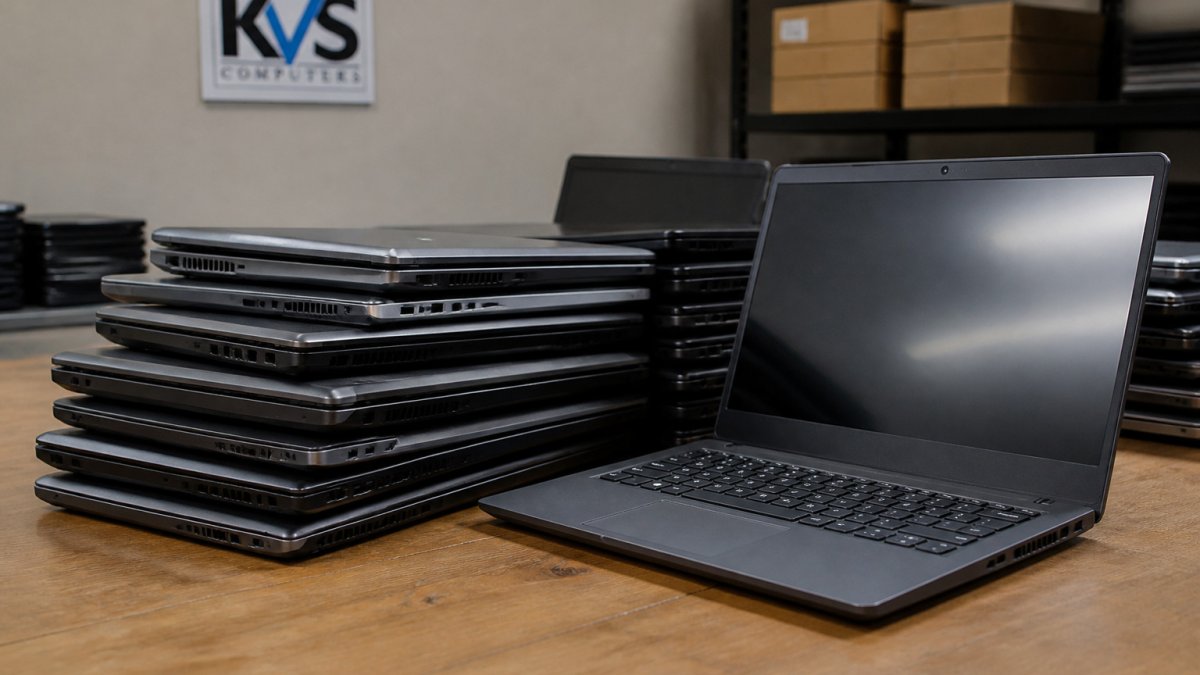
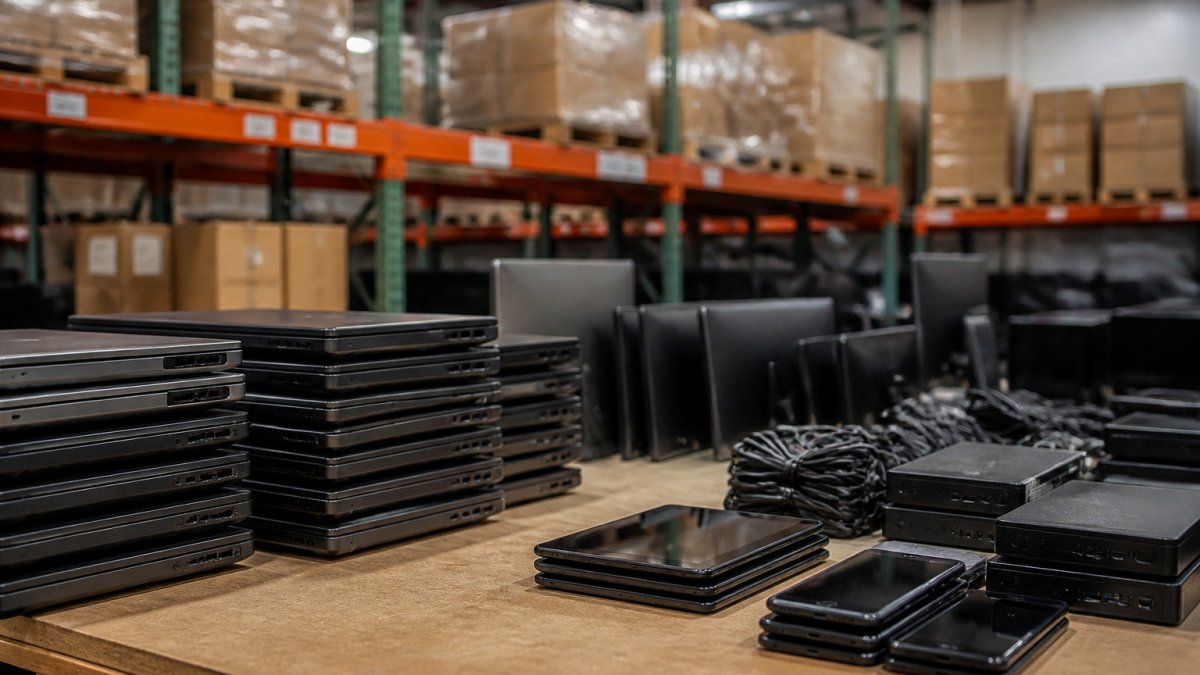
 comparison
AllSurplus vs GovDeals for Buying Electronics
Last Updated: November 4, 2026
Quick Summary
govdeals vs allsurplus depends on the sellers each platform serves and the listing quality you find for electronics. Both host government surplus laptops and desktops, but listing detail varies by seller and lot, so judge each listing on its own evidence before you bid.
- Electronics listing quality varies by seller and lot on both platforms, so check each one.
- Look for component specs, OS status, power accessories, test results and battery health.
- Add buyer premium, sales tax, pickup or shipping, and accessory costs to your total before bidding.
- Set a firm maximum bid in advance and stick to it, since auctions create urgency.
- Treat surplus electronics without a test report as higher risk, since they are often sold as is.
Table of Contents
- How AllSurplus and GovDeals Differ for Electronics Buyers
- Electronics Inventory and Listing Quality Compared
- Total Cost Breakdown: Fees, Premiums and Pickup on a Typical Electronics Purchase
- How to Bid on Government Surplus Electronics
- Condition, Testing and Warranty Risks to Check Before You Bid
- Best Government Surplus Auction Sites for Electronics Buyers
- Government Surplus Electronics Buyer Tips and Your Next Step
- Frequently Asked Questions
Choosing between govdeals vs allsurplus comes down to the sellers each platform serves and the very different auctions they run, and both are well-known places to buy surplus electronics online. Before you place a bid on a laptop or desktop, it helps to understand how each side of the govdeals vs allsurplus comparison actually works. At KVSAuctions.com, we focus on government surplus laptops, desktops and refurbished technology, so we see how these sites compare from a buyer's side. Below, we walk through the differences that matter most for electronics, from listing quality to total cost, and we show you how to bid with confidence.
How AllSurplus and GovDeals Differ for Electronics Buyers
The two platforms serve different markets. The two platforms are built around different sellers. For electronics buyers, that difference shapes what you will find in each catalog.
Electronics listings on either site vary a great deal in quality. Some sellers provide detailed specifications, photos and test notes, while others post a short description and a single image. Read every listing closely before you bid, and assume that anything not stated is unknown.
Auction terms also change from one listing to another. Fees, pickup rules and payment deadlines can differ by seller and by lot, so check the terms on each listing.
If you want to compare platform costs in more depth, see Is PublicSurplus or Municibid Cheaper After Fees? for a direct look at other auction sites.
Electronics Inventory and Listing Quality Compared
Inventory on both marketplaces is driven by whoever is selling that week, so neither platform can promise a specific brand, model, or condition. What separates a good electronics buying experience from a bad one is listing quality: how much the seller tells you before you bid, and how consistently that detail appears across the catalog.
Seller mix shapes what you see. Listings on any surplus platform reflect whoever is selling, so electronics may arrive in agency batches, business closeouts or mixed lots. Compare the seller and the lot description on each listing rather than relying on the platform name.
Listing detail is inconsistent on both platforms. Some sellers attach spec sheets, test notes, and multiple photos; others post a one-line description and a single image. Because terms and templates are set at the seller and lot level, you cannot assume a platform-wide standard.
When you open an electronics listing, score it against these signals:
- Specifications by component, processor model, RAM amount, storage size and type, not just "laptop" or "computer."
- Operating system status, whether an OS is installed, wiped, or absent, and whether activation or licensing is included.
- Power accessories, whether a charger, dock, or cables ship with the unit; missing chargers are common and add real cost.
- Test results or notes, ports, Wi-Fi, audio, display, and keyboard results, including stated failures.
- Battery health, reported capacity or cycle count, when the seller provides it.
- Photos that match the description, multiple angles, ports visible, and any damage shown rather than hidden.
- Lot composition, whether you are bidding on one device or a mixed pallet where working and non-working units are bundled.
Listings that state failed components or missing accessories are often more useful than listings that promise everything works, because a clear problem lets you price the risk into your bid. A listing that says "USB ports failed testing, battery at 85% of original capacity" tells you more than one that says "tested working."
How to compare listings before you commit. Run the same search for the model you want, then compare how detailed each listing is, whether shipping is offered or pickup is local-only, and what the seller's terms say about returns.
Watch out: a detailed description is not a guarantee. Sellers sometimes copy specifications from a spec sheet without testing the individual unit, so treat unverified claims as unknown until you inspect the device.
For a sense of how much detail a strong electronics listing can carry, look at our own catalog.
Total Cost Breakdown: Fees, Premiums and Pickup on a Typical Electronics Purchase
The winning bid is rarely the full price you pay. Auction listings can add fees, taxes, and pickup or shipping costs, and those add-ons can move a bargain into break-even territory. Confirm the charges on the specific listing before you bid.
Build your total cost with these line items, in this order:
- Winning bid, the hammer price on the lot.
- Buyer premium or buyer's fee, a percentage added to the hammer price, if the listing applies one.
- Sales tax, applied where the transaction is taxable and the seller collects it.
- Payment processing charges, some sellers pass along card or wire fees.
- Pickup or shipping costs, fuel and travel time if you collect, or packing and freight if the lot ships.
- Repair and accessory costs, a replacement charger, dock, drive caddy, or operating system license.
- Your time, inspection, testing, and resale effort if you are buying to flip.
A worked example. Run this math before you bid, not after you win. Add every known charge to the hammer price, including any buyer premium and tax stated on the listing, plus the cost of any missing accessories, and compare the total with what you would pay elsewhere.
Why electronics are especially sensitive to add-ons. A missing charger, a dead battery, or a wiped drive each adds a known cost. A laptop that needs a new battery or an operating system license can add real cost. For lots of mixed electronics, assume a percentage of units will be parts-only and price the whole lot accordingly.
Pickup versus shipping changes the math. Small electronics such as laptops, tablets, and phones are the easiest category to ship, but many government lots are local pickup only, and pickup deadlines are often short. If you must travel, add fuel, tolls, and your time to the total.
Resale risk belongs in the calculation. Older or obscure electronics may have limited demand and may be difficult to resell. Some older devices may have limited demand, so set your maximum bid with that risk already subtracted.
5 Dell LATITUDE 3301s 4GB RAM NO Drives →
Watch out: a low buyer premium can be offset by high shipping or a long pickup drive, and a high premium can still be the better deal if the lot is local and well described. Compare total cost, not headline fees.
If you want to compare platform costs in more depth, see Is PublicSurplus or Municibid Cheaper After Fees? for a direct look at other auction sites.
Add-on charges can move a bargain into break-even territory, so the full cost is worth mapping out before bidding.
| Cost item | What it adds | Note |
|---|---|---|
| Winning bid | Hammer price on the lot | Starting point for the total |
| Buyer premium | Percentage of hammer price | Applied if the listing states one |
| Sales tax | Tax where transaction is taxable | Depends on seller collection |
| Payment processing | Card or wire fees | Some sellers pass these along |
| Pickup or shipping | Fuel, travel time or freight | Often the largest variable cost |
| Repair and accessories | Charger, dock or OS license | Missing chargers add real cost |
| Your time | Inspection, testing and resale | Matters most when flipping |
How to Bid on Government Surplus Electronics
Bidding on government surplus electronics follows a simple sequence, but the details matter. Start by registering an account and reading the auction rules for the specific sale.
Follow these steps for each bid:
- Search and filter the listings by category, such as laptops or desktops.
- Read the full description and check any attached test reports or photos.
- Calculate your maximum bid using the total cost steps above.
- Place your bid and confirm the amount before the auction closes.
- Watch the closing time. Some auctions end at a fixed time, and late bids may not count.
- Confirm payment and pickup as soon as you win, since deadlines are often short.
Set a firm maximum before you start bidding. Auctions can create urgency, and it is easy to pay more than you planned. Decide on your limit in advance and stick to it.
Condition, Testing and Warranty Risks to Check Before You Bid
Surplus electronics are often sold as is, and listing descriptions do not always match the item you receive. Some listings contain generic wording with little test detail, while others provide specific test results. Treat any item without a test report as a higher risk.

Check the following before you bid:
- Test reports, when the seller attaches one
- Stated failures such as ports, screens, Wi-Fi or batteries
- Whether the item is tested and working or sold for parts
- Warranty or return terms, which may be limited or absent on surplus sales
A useful test after pickup is to power on the device, check each port, confirm the Wi-Fi connects and run the display and keyboard. Do this within any return window the seller allows, and document any problems with photos.
Read the warranty or return statement on each listing, and do not assume coverage that the listing does not describe.
Best Government Surplus Auction Sites for Electronics Buyers
No single site is the right choice for every buyer. The best option depends on what you want to buy, how much risk you can accept and how you plan to pick up the item.
Use these questions to choose a platform:
- Do you need a specific type of electronics? Check the catalog depth for laptops, desktops or components.
- How much detail do you need? Look for listings with test notes, specifications and clear photos.
- Can you collect locally? Pickup logistics can add significant cost and time.
- Are you buying for personal use or business? Business buyers often need faster access to inventory and clear payment terms.
KVSAuctions.com focuses on government surplus laptops, desktops and refurbished technology, offered through auction, fixed-price and classified listings. Our parent company, KVS Computers, is certified for electronics recycling by an R2V3 company. If you are looking for a focused electronics selection, browse our listings to see what is available.
Government Surplus Electronics Buyer Tips and Your Next Step
Careful preparation makes surplus electronics buying much easier. Start with a clear budget and a written maximum bid. Read every listing carefully, and count fees, tax and pickup in your total.
A few habits prevent costly surprises:
- Compare specifications against what you actually need, such as RAM for multitasking or storage for large files.
- Note any missing accessories like chargers, and price their replacement into your bid.
- Inspect the item promptly after pickup or delivery.
- Keep records of your bid, payment and any condition issues.
Ready to start? Browse our current electronics listings and bid on a laptop or desktop that fits your budget. Create your account, set a firm maximum bid and register to get started with KVSAuctions.com today.
Frequently Asked Questions
What are the main differences between AllSurplus and GovDeals?
The main difference between surplus platforms is the seller mix and listing style. Check the buyer fees, pickup rules and payment deadlines on each listing before you bid, since these terms can change.
Are there hidden fees when buying electronics on government auction sites?
Auction listings may carry additional fees and pickup requirements, so the winning bid alone may not reflect the full purchase cost. Before bidding, read the buyer premium, sales tax and removal terms on the listing, then add them to your maximum bid. A $150 winning bid can cost noticeably more once these charges are included.
Is AllSurplus a safe platform for purchasing surplus tech?
Safety depends largely on how you buy. Confirm the seller, read the full listing description and any attached test reports, and pay only through the platform's stated payment methods before the deadline. Buyers should also check whether an item is sold as-is, since that limits recourse if it fails.
How do I know whether used electronics on these sites are tested and working?
Look for the seller's stated testing status in the listing. Some listings describe stress testing and list specific failed components, such as USB ports or Wi-Fi, along with battery health. Treat any listing without a clear test description as untested, and budget for repair or replacement accordingly.