 blog
blog
Best Government Surplus Auction Sites for Electronics
Table of Contents
- What Government Surplus Auctions Are and Why Small Businesses Use Them
- How to Buy Government Surplus Property: Eligibility, Registration, and Bidding
- Government Auction Fees and Bidding Costs You Need to Budget For
- Government Auction Laptops and IT Equipment: What Condition Really Means
- Surplus Electronics Buying Checklist Before You Commit
- Comparing Surplus Auction Marketplaces for Wholesale Electronics
- Risk, Returns, and Logistics: The Parts Competitors Skip
- Frequently Asked Questions
Last Updated: October 22, 2026
What Government Surplus Auctions Are and Why Small Businesses Use Them
A government surplus auction is a public sale of government-owned property an agency no longer needs, sold to the highest bidder through electronic bidding. At KVSAuctions.com, we list surplus laptops, desktops, and mobile devices for buyers who need working equipment without retail pricing.
The appeal for a small business is straightforward: you compete for surplus property already paid for once by a public entity. The trade-off is that you buy on the seller's terms, not a retailer's.
Where the Electronics Come From
Most IT equipment reaches the block when an agency refreshes its fleet. Federal, state, and local agencies, municipalities, and schools rotate computers on fixed replacement cycles, producing a steady flow of excess property: desktops, laptops, monitors, networking gear, and office equipment.
Military surplus occasionally includes electronics too, though condition varies widely.
Why Wholesale Lots Fit Small-Business Budgets
Buying single units rarely justifies the paperwork; lots are where the math works. A lot of ten laptops gives you spares, a test pool, and enough units to outfit a small team at once.
Lot buying also spreads risk: if one unit fails inspection, the rest still carry the purchase.
How to Buy Government Surplus Property: Eligibility, Registration, and Bidding
Learning how to buy government surplus property takes about an afternoon: register on a marketplace, verify your identity, review the auction listing, and bid before the clock runs out.
Who Can Bid
Most public auctions are open to the general public, including businesses. Some listings restrict bidding to licensed recyclers or require a business tax ID. Always read the listing terms before you register.
Registering and Placing a Bid
The process follows a consistent pattern:
- Create an account and confirm your email
- Complete any identity or business verification the platform requires
- Browse by category, such as computers or IT equipment
- Read the item condition notes and inspection terms
- Enter your maximum bid and confirm
- Watch the closing time and any extended bidding rules
Electronic bidding usually closes at a fixed time, but many platforms extend the clock if a bid lands in the final minutes. Set a hard ceiling before you start and do not chase the price.
Government Auction Fees and Bidding Costs You Need to Budget For
The winning bid is not your total cost. Government auction fees and bidding charges add to every purchase, and ignoring them wrecks your margin.
Expect these line items:
- Buyer premium: a percentage added to the hammer price, charged by the auctioneer
- Auction fees: flat or tiered platform charges per lot
- Payment processing: card or wire fees
- Pickup or shipping: freight, palletizing, or per-unit handling
- Storage: daily charges if you collect late
A third-party comparison of government auction sites reports a 12.5% buyer's premium on one major platform (BidProwl's 2026 government auction site comparison). Treat that as a floor, not a rule: premiums vary by seller and listing, and you should verify every charge on the specific lot before bidding.
Calculating True Landed Cost and Resale Margin
The useful exercise is turning those fees into a per-unit landed cost and comparing it to what the refurbished unit actually sells for.
Step 1: Establish the hammer price ceiling. Decide the most you will pay for the lot, not the most you think it is worth.
Step 2: Add the buyer premium and platform fees. If you win at a certain price, you will owe a buyer premium before any other charge.
Step 3: Add freight and handling. Get a real quote, not an estimate.
Step 4: Add labor and refurbishment. Testing, cleaning, reimaging, and cosmetic work are real costs.
Step 5: Add disposal and compliance. Units that fail testing still cost money to recycle responsibly.
A simple worksheet makes this repeatable:
| Cost Line | Example Lot of 25 Laptops |
|---|---|
| Hammer price | $2,000 |
| Buyer premium (12.5%) | $250 |
| Platform and payment fees | $75 |
| Freight and handling | $350 |
| Refurb labor (25 × $20) | $500 |
| Parts and adapters | $300 |
| Disposal allowance | $100 |
| Total landed cost | $3,575 |
| Sellable units (assume 22 of 25) | 22 |
| Landed cost per sellable unit | ~$163 |
If comparable refurbished units sell for $250, your gross margin per unit is roughly $87 before selling fees and shipping to your buyer.
Government Auction Laptops and IT Equipment: What Condition Really Means
"Untested" and "as-is" are the two phrases that decide your outcome on government auction laptops. Item condition language on surplus listings is descriptive, not a warranty.
Here is how the common terms translate:
| Listing Term | What It Usually Means | Your Move |
|---|---|---|
| Tested, working | Powers on, basic function confirmed | Still verify on arrival |
| Untested | No functional check performed | Assume some failures |
| As-is, no returns | Seller accepts no responsibility | Price in your risk |
| For parts | Known faults, sold for components | Buy for salvage only |
| Grade A/B/C | Cosmetic grading, not performance | Ask what the grade covers |
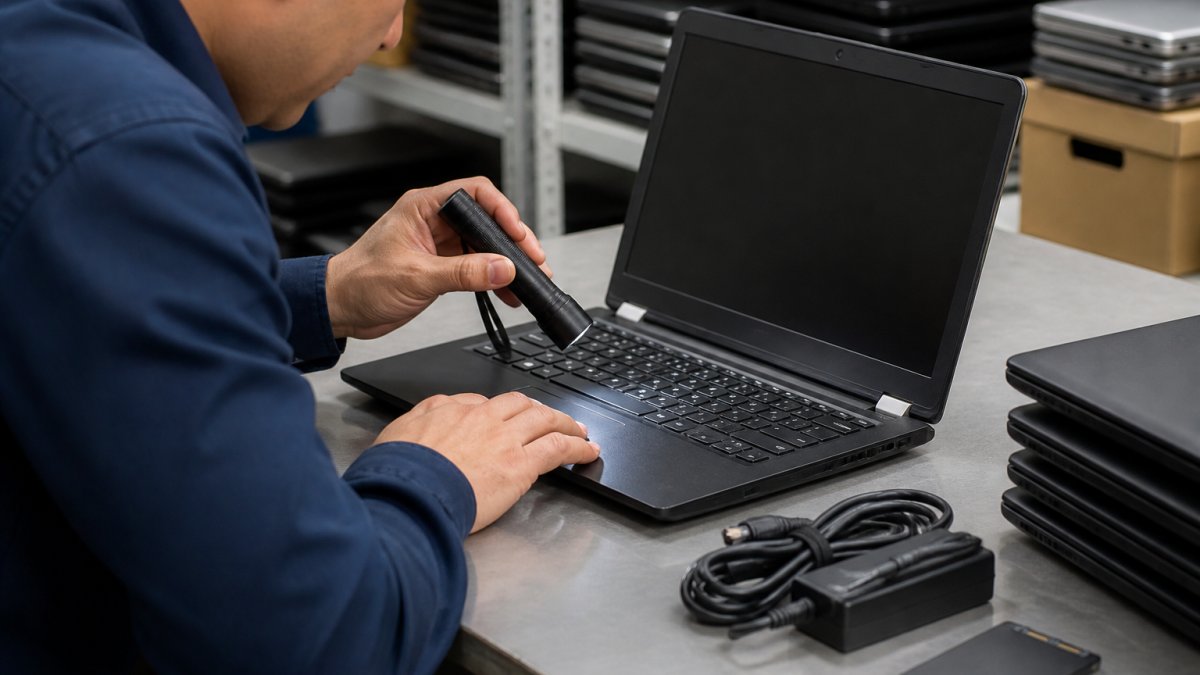
The difference between a good lot and a bad one comes down to inspection access. If the seller allows preview before the auction closes, use it: photograph serial numbers, check for missing drives or RAM, and look for asset tags suggesting a school or enterprise fleet.
Electronics-Specific Due Diligence Before You Bid
Reading condition notes is not enough for IT equipment, because the expensive surprises are inside the chassis. Run this sequence on every lot you are serious about.
1. Identify the exact model and generation. A listing that says "Dell laptops, qty 25" can hide three model years.
2. Confirm what is missing. Government IT lots are frequently stripped: expect missing power adapters, drive caddies, RAM, and sometimes storage drives pulled for data security.
**3.
4. Plan for data wiping. Government devices should be sanitized before sale, but you cannot assume it. Plan to reimage every machine and verify drives are removed or wiped to a recognized standard.
5. Estimate refurbishment labor. Testing, cleaning, reimaging, and cosmetic touch-up take time.
6. Check for accessory and licensing gaps. Windows licenses tied to the hardware may or may not transfer cleanly; volume-licensed software installed by the agency usually does not.
Surplus Electronics Buying Checklist Before You Commit
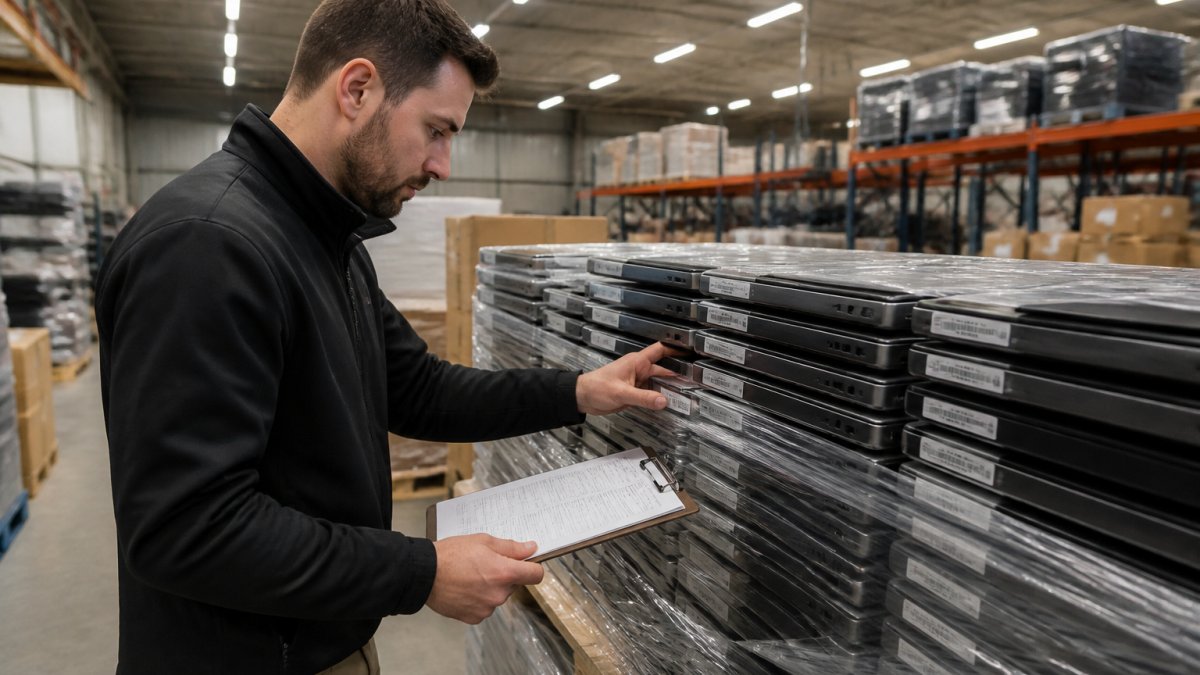
Use this checklist on every lot before you bid:
- Confirm the exact quantity and model mix in the lot
- Read the full condition description and photo set
- Check whether inspection or preview is available
- Calculate the buyer premium and all fees
- Get a freight or pickup quote to your location
- Confirm the pickup window and storage penalties
- Verify the return and dispute policy in writing
- Estimate refurbishment cost per unit
- Set your maximum bid and write it down
- Confirm payment methods accepted and deposit rules
A common mistake is skipping pickup logistics: a cheap lot that costs more to move than it is worth is not a cheap lot.
Comparing Surplus Auction Marketplaces for Wholesale Electronics
Marketplaces differ less in what they list than in how they handle fees, inspection, and disputes. That is where your margin lives.
Federal, State, and Local Seller Types
Federal agencies run large, formal sales with standardized terms. State agencies and local government sellers often run smaller, more frequent weekly auctions with simpler paperwork. Schools are worth watching for laptop lots, since student fleets turn over predictably.
The practical difference is volume versus flexibility. Federal sales offer bigger lots; local sales offer faster pickup and less competition.
What Sets KVSAuctions.com Apart
We built our platform around the buyer's real question: is this device actually going to work? Three things shape how we answer it.
First, our inventory is government surplus electronics sourced through our parent company, KVS Computers, a Certified Electronics Recycling R2V3 company. That certification means devices are handled under a documented reuse and recycling process, not scrapped at random.
Second, we offer auction, fixed-price, and classified listings side by side. If you need equipment for a startup on a deadline, a fixed-price listing removes the uncertainty of an open auction.
Third, condition is described plainly. Where a unit is untested, we say so.
Risk, Returns, and Logistics: The Parts Competitors Skip
Most guides stop at "register and bid." The expensive lessons happen after you win.
Returns and disputes. Surplus sales are frequently final. Before bidding, find the platform's dispute window and what it covers.
Freight for bulk electronics. Laptops ship well on pallets; desktops and monitors do not, because of weight and glass.
Data security and responsible handling. You are responsible for the data on those drives. Wipe or destroy every storage device, and route anything unsalvageable through a certified recycler rather than a landfill.
Resale margins. Work backward from what the refurbished unit sells for, subtract every cost, and decide whether the lot clears your target. If it does not, there is another auction next week.
Buying wholesale electronics at surplus auction rewards preparation over speed. The buyers who do well set a ceiling, read the condition notes, and price in freight before the gavel falls.
Frequently Asked Questions
Are government surplus auctions a good place to buy electronics for a small business?
They can be, if you treat them as a sourcing channel rather than a bargain bin. Government surplus auctions give small businesses access to laptops, desktops, and IT equipment at starting bids well below retail. The catch is that most lots sell as-is, so your total cost includes the bid, any buyer's premium (though you should verify every fee on the specific listing), plus shipping and testing time. Budget for a percentage of dead units and you can still come out ahead.
What should I check before bidding on surplus electronics?
Run through a surplus electronics buying checklist: read the full item description for condition grade, confirm whether the unit is tested or untested, check for missing parts like power adapters or drives, look at the pickup or shipping terms, and calculate the buyer's premium and any handling fees on top of your bid. Request additional photos or an inspection when the seller allows it. Also confirm data-wiping policy for any device that stored data, and check whether the lot is one unit or a pallet.
How do government auction fees and bidding work in practice?
You register on the auction marketplace, verify your identity, and place a bid electronically before the listing closes. Most sites charge a buyer's premium on the winning bid, and some add handling, storage, or payment processing fees. Payment is usually due within a few business days, and pickup windows are short. Read the fee schedule before you bid, not after, because a low winning bid with a high premium and expensive freight can cost more than a mid-range bid on a site with lower fees.
Are government auction laptops tested, or am I buying e-waste?
It depends on the seller. Some agencies and certified refurbishers test and grade equipment before listing, while others sell untested pallets straight from decommissioning. Listings that state a condition grade, include photos of the actual units, and come from a certified electronics recycler are the safest bets. Ask whether the seller is R2V3 certified, which requires documented testing and data destruction. If a listing says as-is with no testing, price your bid as if a portion of the lot will need repair or parts.