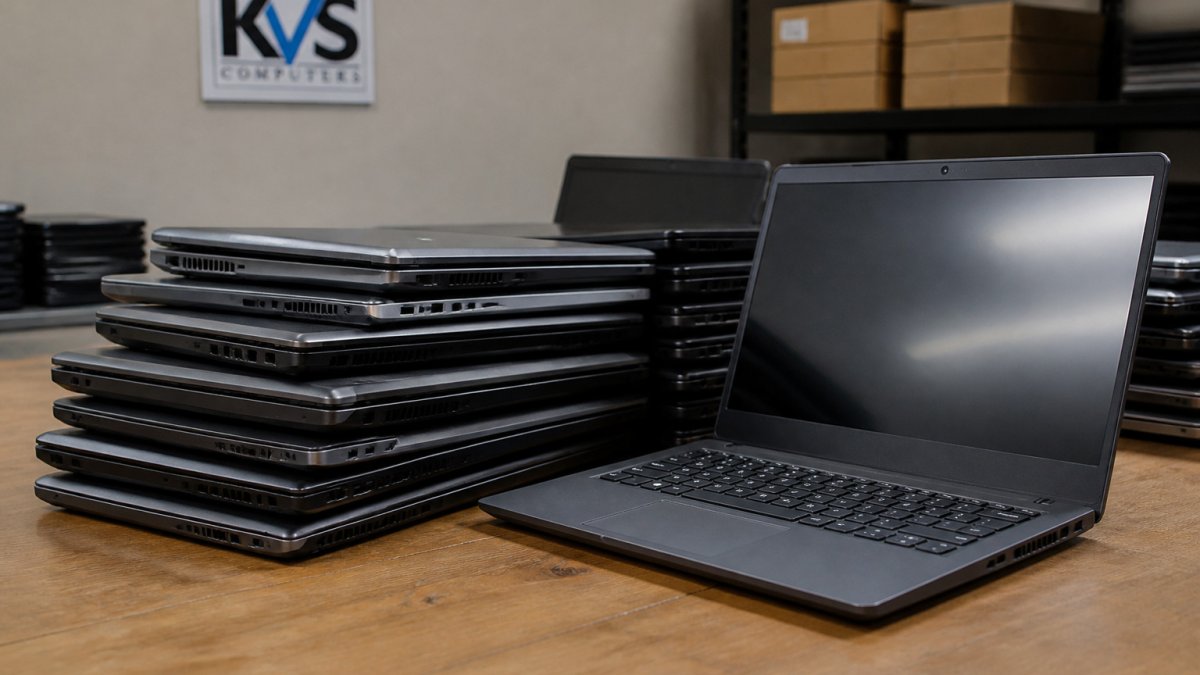
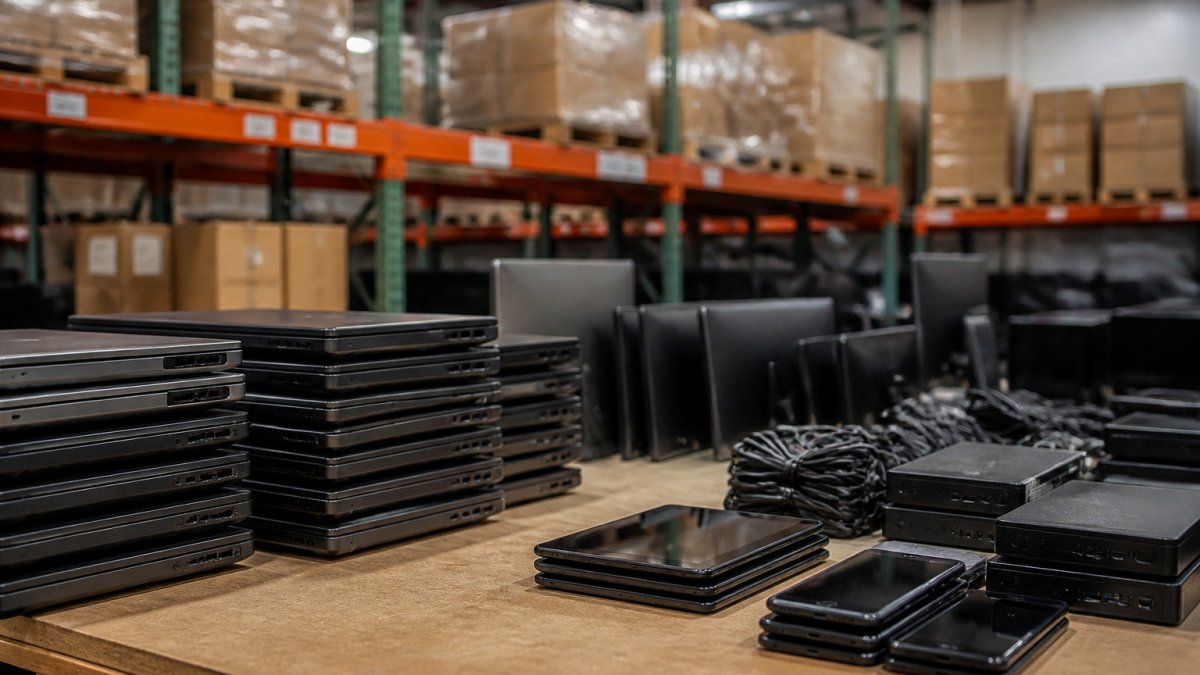
 comparison
Are Refurbished Electronics Worth Buying in 2026?
Last Updated: November 8, 2026
Quick Summary
Refurbished electronics are worth buying in 2026 when the device meets your needs, its condition and battery health are documented, and the warranty and return terms are clear. Lower price is the main advantage, but shorter support, weaker warranties and missing parts can offset the savings.
- Refurbished means returned, repaired, tested and restored, unlike used devices sold as they were.
- Check the processor, memory, storage type and battery health before buying a refurbished laptop.
- Compare warranty length, exclusions, return window and restocking fees side by side.
- Confirm whether a charger, cable and operating system are included, since missing parts add cost.
- Set a maximum bid in advance and judge sellers on transparent test reports and stated battery health.
Table of Contents
- What Refurbished Electronics Mean and How They Differ From Used Devices
- Refurbished Versus New: Where the Real Savings Come From
- Refurbished Laptops: Condition, Battery Health and Remaining Useful Life
- Warranty, Returns and Buyer Protection on Refurbished Devices
- Is Refurbished Good on Amazon, and Where Else to Buy
- Best Place to Buy Refurbished Electronics: Judging a Seller
- Amazon Refurbished and Auction Listings: Checking What You Are Actually Buying
- Frequently Asked Questions
What Refurbished Electronics Mean and How They Differ From Used Devices
Refurbished electronics are devices that were returned, repaired, tested and restored to working order before resale. Used or pre-owned devices, by contrast, are typically sold as they were, with no guarantee that anyone checked them. That gap in testing and preparation is the main thing separating the two categories.
At KVS Auctions, each used item listed for sale is rigorously tested and certified to work.
The term "refurbished" is not regulated the same way across sellers, so the standard can vary. Read each listing closely. A device described as tested and working should have a test record behind that claim.
Refurbished Versus New: Where the Real Savings Come From
The biggest reason to buy refurbished is price. The global refurbished electronics market was estimated at US$68.24 billion in 2026 and is projected to reach US$136.40 billion by 2033, according to Coherent Market Insights 2026 refurbished electronics market forecast. Growth on that scale tells you that many shoppers have already decided the trade-off is worth it.
Much of the saving comes from depreciation. A laptop loses value quickly once it leaves the store, so a device that is a few generations old can still handle email, documents and video calls at a fraction of the new price. The question to ask is whether the older specifications still meet your needs.
Refurbished is not automatically a bargain. Lower price is often the main advantage, and it can be offset by shorter support windows, less battery life and weaker warranty coverage. Compare the total cost, not just the sticker price.
Refurbished Laptops: Condition, Battery Health and Remaining Useful Life
For laptops, three things matter most: the processor and memory, the storage type, and the battery. An older laptop with a solid SSD and 8GB or 16GB of RAM can feel much faster than an older model still running a spinning hard drive.

Battery health deserves close attention. To check battery health and overall condition yourself, follow a step-by-step guide to verifying a refurbished laptop. Listings often report battery capacity as a percentage of the original. On a recent KVSAuctions.com listing, the Dell Latitude 3380 is listed with a battery at 85% of original capacity, and battery condition cannot be guaranteed on a previously used machine. For a concrete example of a laptop listing with specs to compare against, see a complete laptop listing with specs. Plan for shorter runtimes than a new laptop would deliver.
Check what is included. Some listings ship without a charger or operating system. The Lenovo ThinkPad T14 Gen 2 listing, for example, includes no operating system and no charger, and the test report notes failures on the USB ports, microphone and Wi-Fi. A low price can hide added costs if you need parts or software.
Remaining useful life is the last factor. Check whether the operating system is still supported by its maker and whether the hardware will receive updates. A fresh installation of Windows 11, as on the Dell Latitude 3380 listing, gives you a current starting point.
Warranty, Returns and Buyer Protection on Refurbished Devices
Warranty coverage on refurbished electronics is where the real cost of a low price shows up. Two listings can carry the same sticker price and very different risk. Before you buy, compare four things side by side: how long coverage lasts, what it excludes, how long you have to return the device, and who actually performs the repair.
Start with duration. Warranty length varies by seller, and some listings are sold as-is with no coverage. A 90-day window covers early failures but will not help if the battery degrades or a hinge cracks in month eight. Match the warranty length to how long you expect to keep the device.
Then read the exclusions. Most limited warranties cover hardware defects but exclude accidental damage, liquid damage, and cosmetic wear. Battery capacity is frequently excluded or covered only if it falls below a stated threshold, so confirm whether a degraded battery counts as a defect. Software and operating-system issues are often excluded too, which matters on listings that ship without an OS.
Return windows and restocking fees deserve equal attention. Check the return window and any restocking fee before you bid, since these terms can erase much of your savings if the device disappoints.
Find out who handles repairs and whether shipping is covered both ways. At KVSAuctions.com, only verified buyers can take part in bidding, and every financial transaction is secured.
Some items are sold incomplete and are meant for technically skilled buyers. Laptops may arrive without a hard drive or operating system. If you are not comfortable installing software or replacing parts yourself, choose a complete, tested device with a warranty that covers the components you cannot fix yourself.
The table below summarises the main warranty and buyer-protection checks covered in this section.
| Check | What to look for | Why it matters |
|---|---|---|
| Duration | Stated coverage length | Must outlast how long you plan to keep the device |
| Exclusions | Accidental, liquid and cosmetic damage | Often leaves the most common failures uncovered |
| Battery | Whether degradation counts as a defect | Battery wear is frequently excluded |
| Return window | Days allowed and any restocking fee | Fees can erase the savings |
| Repairs | Who performs them and shipping cover | Determines your cost if the device fails |
Is Refurbished Good on Amazon, and Where Else to Buy
Marketplace refurbished listings vary by seller. Read the condition description, check the seller's ratings, and look for a stated return window.
Compare the warranty and return terms on any marketplace listing against those from a dedicated refurbisher or auction platform. A cheaper price means little if returns are difficult.
Auction platforms can offer strong value for buyers willing to research each item. KVSAuctions.com lists government surplus laptops, electronics and refurbished technology through auction, fixed-price and classified formats.
Best Place to Buy Refurbished Electronics: Judging a Seller
The best seller is one that tells you exactly what you are getting, in writing, before you pay. Grading and refurbishment standards vary widely across the market, so treat every condition label as a claim to verify rather than a fact. Use the checklist below to judge a seller the way an experienced buyer would.
Condition grades. Labels like "excellent," "good," and "fair" are not standardized. Ask what each grade means for screen scratches, casing dents, and keyboard wear, and whether the photos show the actual unit or a stock image. A seller who defines the grade in the listing is easier to trust than one who relies on a single word.
Testing standards. Look for a stated test process: power-on, display, ports, keyboard, battery, Wi-Fi, and audio. A listing that names the tests performed and links a test report gives you something to hold the seller to. A listing that says only "tested" tells you nothing about what was checked.
Battery reporting. Confirm whether battery health is measured and reported as a percentage of original capacity, and whether a minimum threshold is guaranteed. A seller who states battery health and notes its limits is more credible than one who stays silent.
Included accessories. Check whether a charger, cable, and operating system are included. Missing parts add real cost, and a device without an OS requires a license you may have to buy separately.
Provenance and data wiping. Ask whether the device was factory reset and whether activation locks were removed. A device still tied to a previous owner's account can be unusable, so confirm it is unlocked before you buy.
Reputation and history. Read seller ratings and return terms together. A high rating with a short return window is weaker protection than a moderate rating with a 30-day no-fee return policy.
Be cautious with listings that say only "as-is" or that omit testing details. Buying as-is electronics carries real risk, and a device that looks fine in photos can still fail after delivery. Judge sellers on transparency: one who publishes a test report, states battery health, and names what is missing from the box is generally easier to trust than one whose listing is vague. For guidance on the risks of as-is electronics and how to verify sellers, see How to Spot the Risks of Buying As-Is Electronics.
Amazon Refurbished and Auction Listings: Checking What You Are Actually Buying
When comparing an Amazon refurbished listing with an auction listing, match like with like. Confirm the processor, memory, storage, screen size and operating system for each device, then compare the price and the total cost including any shipping or missing parts.
For auctions, read the full description before placing a bid. Note whether the item was tested, whether a charger is included, and whether the operating system is installed. Check the test report if one is linked.
Set a maximum bid in advance and stick to it. For a safety guide to buying government surplus laptops before you bid, read The Safe Guide to Buying Government Surplus Laptops. Auction prices can climb quickly, and the lowest-priced item is not always the best value once you add in missing components.
Refurbished electronics are worth buying when the device meets your specifications, the battery and condition are documented, and the warranty and return terms are clear. If any of those are missing, the savings may not justify the risk.
Frequently Asked Questions
Is it a good idea to buy refurbished electronics?
It can be, when the savings are large and the seller provides testing and a clear return policy. Refurbished devices are usually cheaper than new ones, but condition varies, so the listing details matter. Check whether the device was tested, what the battery health is, whether an operating system and charger are included, and what happens if it fails. Items sold as-is with no testing report carry more risk and are better suited to buyers who can repair them.
Are refurbished electronics worth buying in 2026?
For many buyers, yes, mainly because the price gap with new devices remains large. Value depends on the device category: phones, laptops and game consoles generally suit refurbishing better than wearables. Compare the refurbished price with the cost of a new model and factor in warranty length before deciding.
What should I check before buying refurbished electronics?
Start with the listing's test report and battery health figure, since a battery reporting 85% of original capacity will not last as long as a new one. Confirm whether an operating system, drive and charger are included, because some listings sell devices without them. Read the full description and the return terms. Note whether the warranty is from the seller or the manufacturer and how long it lasts.
Do refurbished electronics come with a warranty?
Coverage varies by seller. Some refurbished devices carry a short seller warranty, while many auction and surplus listings are sold as-is, with limited recourse after a sale. Before bidding, look for a stated warranty period, a return window and a clear description of what is covered, such as hardware failure versus battery wear. A warranty that excludes batteries is common and should be factored into the price.