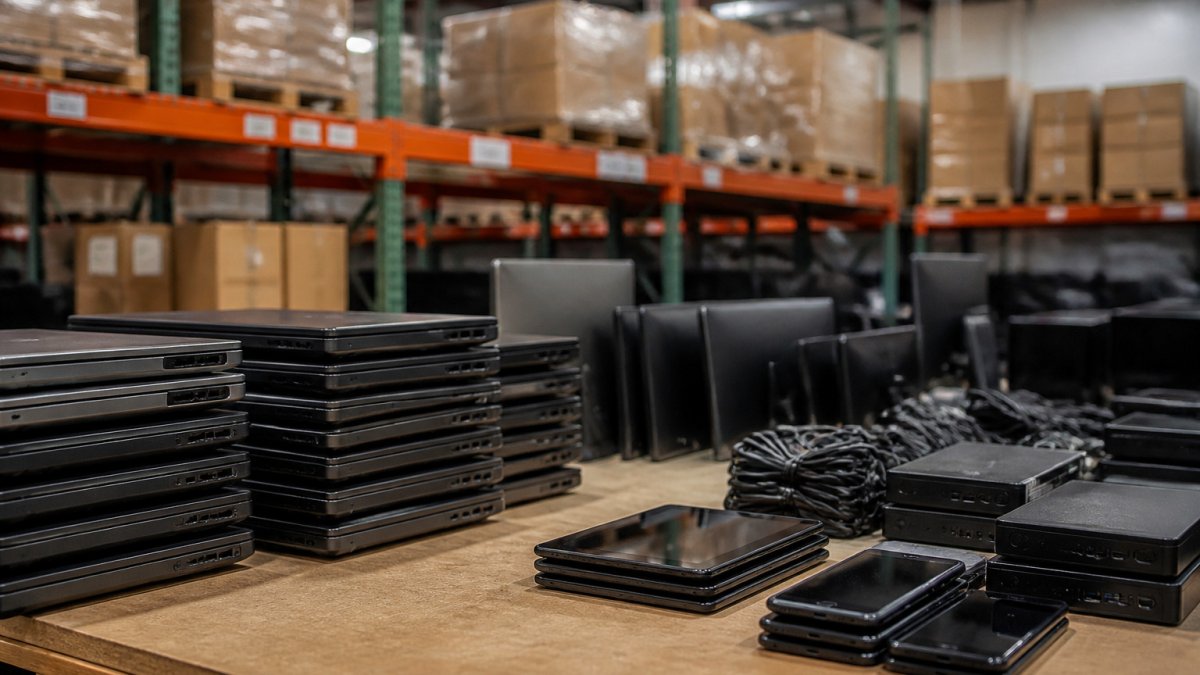
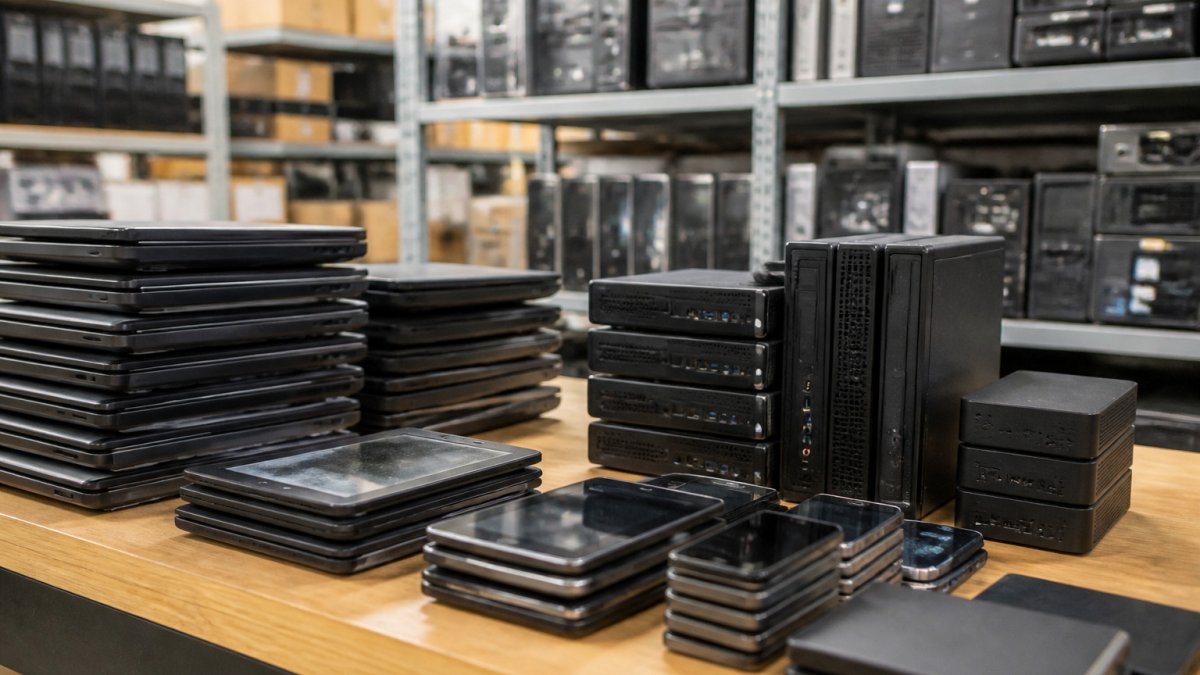
 listicle
What Are the Top-Rated Alternatives to GovDeals for IT Equipment?
Last Updated: October 28, 2026
Quick Summary
The top-rated GovDeals alternatives depend on whether you want to bid or buy fixed-price: large national auction sites, state and local surplus sales, university surplus, fixed-price refurbished marketplaces, and specialty tech auction marketplaces. For one working laptop fast, a fixed-price tested listing beats a cheap as-is lot once you add a charger, OS license, and your time.
- Large national government auction sites commonly charge buyer premiums in the 5%-15% range plus sales tax.
- University and school district surplus often carries no buyer premium and uses fixed-price or sealed bid sales.
- Calculate all-in cost as winning bid plus premium, tax, shipping, missing parts, and repair time.
- Budget for at least one dead unit per lot when a listing is as-is or untested.
- Under $200 for one working laptop, a fixed-price tested listing beats a cheap as-is lot.
Table of Contents
- Why Buyers Look for GovDeals Alternatives for IT Equipment
- How Government Surplus Computer Auctions Work
- Quick Comparison: Budget IT Equipment Sources
- Government Surplus Laptops for Sale: What to Expect
- How to Buy Government Surplus Equipment Without Overpaying
- Condition, Testing, and Data Security: What to Check Before You Bid
- Register to Bid on Tested Surplus Tech
- Frequently Asked Questions
Why Buyers Look for GovDeals Alternatives for IT Equipment
If you are hunting for GovDeals alternatives to buy used IT equipment on a budget, the best option depends on whether you want to bid in an online auction or buy a fixed-price tested unit. At KVSAuctions.com, we provide a surplus tech marketplace backed by our parent company, KVS Computers.
A laptop may arrive with no charger, a "tested" desktop may boot to a password screen, or a buyer premium may push the final cost past a refurbished retail price. Government surplus computer auctions can be excellent value, but only when you understand what you are bidding on and the real total.
Below, we break down how these auctions work, compare the main source types, and show what to check before you commit.
How Government Surplus Computer Auctions Work
Government surplus computer auctions are online sales where public agencies dispose of retired equipment. Agencies list items, and buyers register and place bids.
Condition is an important detail to check. Read the listing and any attached test report before deciding whether to bid.
Quick Comparison: Budget IT Equipment Sources
Not every source carries the same risk or the same IT inventory. The table below maps the main routes to surplus tech against what each costs you in fees, condition uncertainty, and the gear you are likely to find.
| Source Type | Typical Fee Structure | Condition Transparency | IT Inventory You'll Typically See | Best For |
|---|---|---|---|---|
| Large national government auction sites | Buyer premium commonly in the 5%-15% range plus sales tax; some add a per-lot handling fee | Low to moderate; many lots as-is, photos only | Mixed lots of desktops, laptops, monitors, printers, servers; specs often incomplete | High-volume bidders who can inspect or absorb dead units |
| State, county, and municipal surplus sales | Varies by agency; premium may be 0%-10%, sometimes waived for local pickup | Moderate; agency staff often answer questions | Office-refresh desktops and laptops, networking gear, occasional server lots | Local buyers who can pick up and inspect |
| University and school district surplus | Often no buyer premium; fixed-price or sealed bid | Moderate; surplus staff usually know the history | Student laptops, lab desktops, projectors, switches | Buyers near a campus who can collect in person |
| Fixed-price refurbished marketplaces | Price shown upfront; no premium | Higher; units tested and graded | Single laptops, desktops, monitors with stated specs and return windows | Students and small teams who need one working unit now |
| Specialty tech auction marketplaces | Bid plus premium; test reports attached where available | Mixed but documented; condition notes per unit | Laptops, desktops, networking gear, occasional enterprise lots | Buyers who want tested gear at auction prices |
What the IT Categories Actually Look Like
The category matters more than the source. Budget IT breaks into four buckets, each behaving differently on the auction market:
- Laptops and 2-in-1s. The deepest inventory and widest condition spread: units with a fresh OS and charger, units without an OS, and units with noted faults. This is where a test report changes the math most.
- Desktops and small-form-factor PCs. Often sold in lots of five to twenty from office refreshes. Per-unit cost drops sharply in bulk, but you inherit whatever the agency retired, frequently several generations old.
- Servers and enterprise networking. The highest variance. A rack server or managed switch can be a steal or a doorstop depending on firmware, licensing, and included rails and power cables. Confirm what ships in the box before bidding.
- Peripherals and monitors. Low risk, low reward. Monitors, docks, keyboards, and cables are usually the safest budget buys and the easiest to bundle into a lot.
Matching the Source to Your Budget
- Under $200, one working laptop: a fixed-price tested listing or a single tested auction unit beats a cheap as-is lot once you add a charger, an OS license, and your time.
- $500-$2,000, a small office refresh: state and local surplus sales and specialty tech auctions stretch a budget furthest, especially when you can pick up locally and avoid freight.
- $2,000+, bulk or enterprise gear: large national auction sites and specialty tech marketplaces carry the lot sizes and server/network inventory you need, but only bid if you can inspect or have budgeted for at least one dead unit per lot.
The takeaway: if you need one working laptop for class next week, a fixed-price tested listing beats a gamble on a cheap auction lot. If you are outfitting a small office and can wait, auction lots stretch a budget further. For a direct comparison of the platforms themselves, see our guide to the best government surplus auction sites for tech, and for electronics specifically, read which government surplus auction platform fits your electronics needs.
Government Surplus Laptops for Sale: What to Expect
Government surplus laptops for sale usually fall into three buckets: units with a fresh OS installed, units sold without an OS, and units sold as parts or untested. Knowing which bucket you are shopping in tells you most of what you need to know about final cost.

A tested laptop with Windows 11 Pro and a charger is close to plug-and-play. A unit sold without an OS is cheaper, but you supply the OS, charger, and setup time, no dealbreaker for a hobbyist with a Windows license, but a real cost for a student who just needs to write papers.
Here is what a typical tested listing includes, using our own inventory as an example:
- A Dell Latitude 3380 with an Intel Core i5, 8GB RAM, a 256GB SSD, a fresh Windows 11 Pro install, and a charger, listed at $180.
- A Lenovo ThinkPad T14 Gen 2 with 16GB RAM and a 256GB SSD, sold without an OS or charger, listed at $190, with a stress-test report noting failed USB ports, microphone, and Wi-Fi.
- A lot of two Dell Latitude 3190 2-in-1s with Windows 11 Pro, listed at $240 for the pair.
Notice the pattern: the ThinkPad has the strongest specs but the most caveats, while the Dell lot gives you two working machines for one price. Reading the report before you bid separates a smart buy from a repair project. To browse units sold without an OS, shop laptops without an operating system for current condition notes and pricing.
How to Buy Government Surplus Equipment Without Overpaying
Calculate your all-in cost before you bid, not after you win. The winning bid may be only one line on the invoice.
The All-In Cost Formula
Use this formula as a checklist before you place a bid:
All-in cost = winning bid + buyer premium + sales tax + shipping or freight + missing parts + testing/repair time
Lenovo ThinkPad T14 Gen 2 - Intel I5-1145G7, 16GB RAM, 256GB SSD, NO OS →
Work through this checklist before placing a bid:
- Confirm the buyer premium percentage and whether it applies to the winning bid only or also to fees.
- Check whether sales tax is added on top of the bid and the premium, and at what rate for your delivery address.
- Add shipping or freight if you cannot pick up locally; freight on a server or monitor lot can exceed the bid.
- Add the cost of a missing charger, operating system license, or drive if the listing lacks them.
- Budget for at least one dead unit per lot if the listing is as-is or untested.
- Set a hard maximum all-in number and stop bidding there.
A Worked Example
That is roughly 38% above the bid. If the same lot were sold as-is with no test report, you would also budget for one dead unit out of five, which can erase the per-unit savings entirely. Run this math on three listings and the pattern becomes obvious fast.
Where the Hidden Costs Live
- Buyer premium. The most common surprise: 10% on a $500 bid is $50 you did not plan for.
- Sales tax. Applied after the premium on most platforms, so it compounds.
- Freight and pickup deadlines. Confirm the pickup window before bidding.
- Missing parts. A charger, OS license, or drive can add real money to a "cheap" unit.
- Your time. Reimaging, testing, and repairing are real costs, especially on multi-unit lots.
Bulk Math Changes the Picture
For bulk buys, per-unit cost is one factor to consider. A lot of eleven Apple Mac Pros is listed at $3,300. Match lot size to your actual requirement.
For a structured method to value condition before you commit, our guide on how to verify refurbished laptop condition walks through the checks step by step, and if you want to understand the broader pitfalls of untested gear, read how to spot the risks of buying as-is electronics.
Condition, Testing, and Data Security: What to Check Before You Bid
Condition and testing are important factors to consider when evaluating a surplus purchase. Review the listing and any available test report.
Review any available test report and note the listed failures:
- A failed Wi-Fi card means a USB adapter or a repair.
- A missing battery means the laptop is tethered to a wall.
- A battery reporting reduced capacity is usable but will need replacing sooner.
Check the drive situation in the listing. For a structured method, our guide on how to verify refurbished laptop condition walks through the checks step by step, and for the broader pitfalls of untested gear, read how to spot the risks of buying as-is electronics.
Watch out: bidding on a lot described only as "untested" without budgeting for at least one dead unit. Assume the worst case and price it in.
Register to Bid on Tested Surplus Tech
KVSAuctions.com provides a platform for purchasing government surplus electronics, desktops, laptops, and networking gear. We list government surplus electronics, desktops, laptops, and networking gear through auction, fixed-price, and classified listings. KVS Computers is an R2V3-certified electronics recycling company.
For your first purchase: pick one category and review the listing details before you bid.
Best for: students, hobbyists, and small teams seeking surplus tech.
Frequently Asked Questions
Are there other websites like GovDeals for buying IT equipment?
Yes. Beyond large government auction sites, specialized marketplaces focus on tested surplus electronics. KVSAuctions.com lists government surplus laptops, desktops, GPUs, and networking gear through auction, fixed-price, and classified listings, backed by its parent company KVS Computers, a certified electronics recycler.
Which auction sites sell government surplus laptops and computers?
Look for listings that state the CPU, RAM, storage, and operating system status, plus whether a charger is included. On KVSAuctions.com, for example, a Dell Latitude 3380 with Windows 11 Pro and a charger is listed at $180, while a Lenovo ThinkPad T14 Gen 2 with no OS or charger is $190. Compare those details before bidding.
What fees should I expect when buying from an online auction?
Always review the applicable listing details before you bid. Factor any applicable shipping or freight into your total.
How do I find out whether surplus IT equipment works?
Ask for a test report. Read any available test report carefully. A laptop may have non-working USB ports or Wi-Fi, as the ThinkPad listing discloses. Check the listing for battery information. If a listing has no test report and no stated condition beyond as-is, consider that information when deciding whether to bid.
Ready to see what is on the block? Register with KVSAuctions.com, review the current listings, and place your first bid with a clear picture of the total cost.