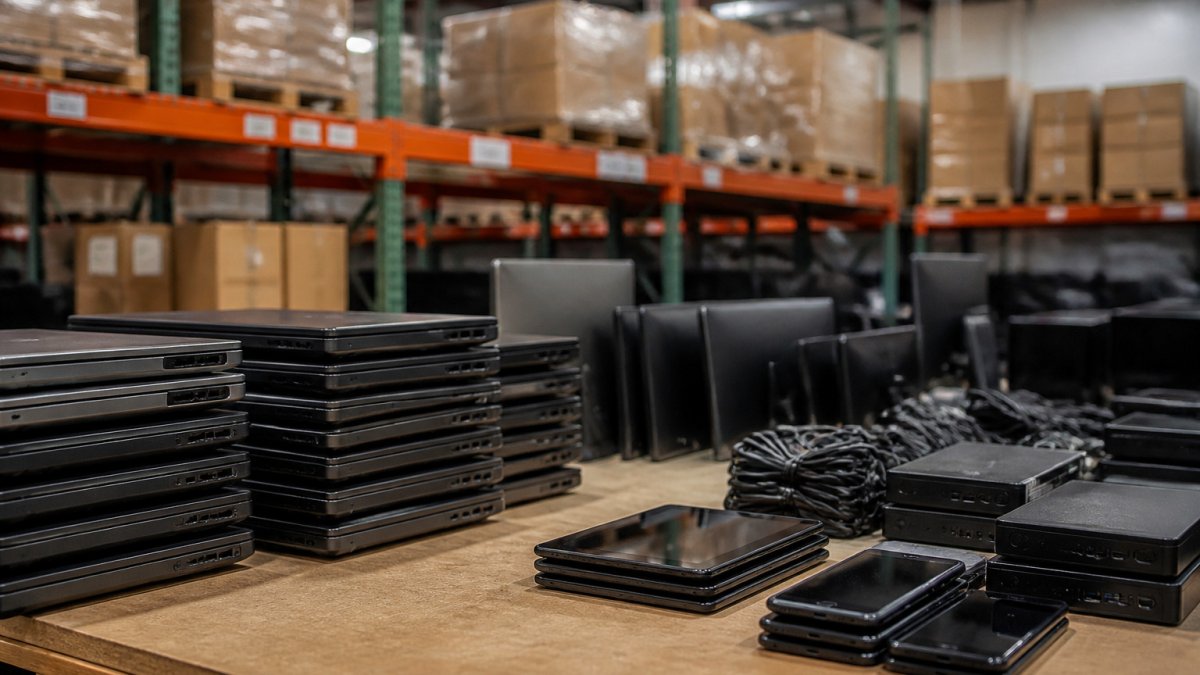
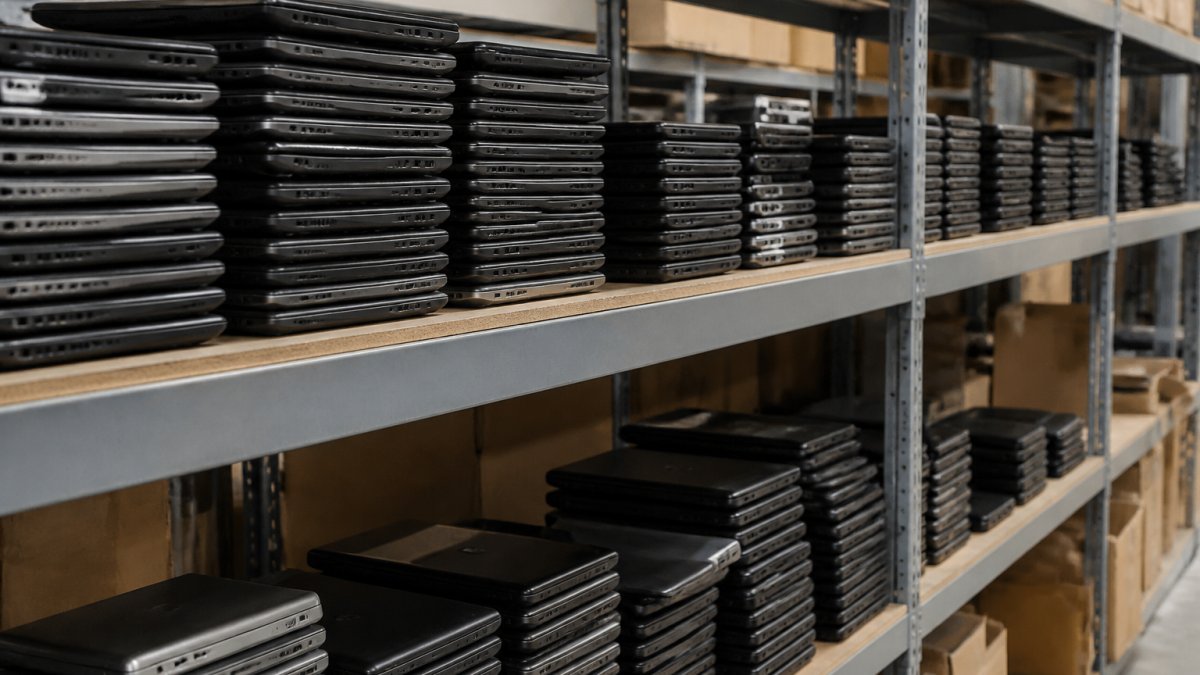
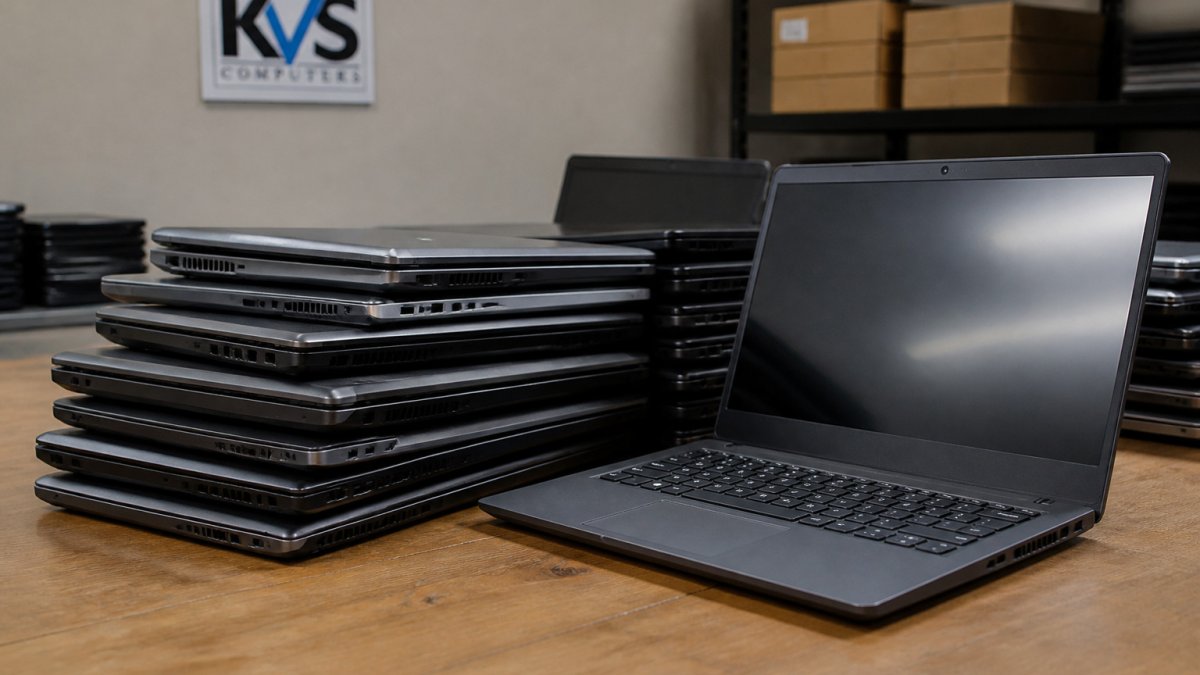
 comparison
7 Hibid Alternatives for Buying Refurbished Laptops
Last Updated: November 1, 2026
Quick Summary
The best Hibid alternatives for refurbished laptops are government surplus auctions, wholesale refurbished platforms and direct classified listings, judged on three things: verified condition, the warranty and return policy, and the total delivered cost. Compare platforms on delivered cost per usable machine rather than the opening bid, since shipping, chargers and batteries can add real expense.
- Government surplus auctions offer varied inventory, but descriptions can be brief, so check for test reports and battery figures.
- Wholesale buying suits teams or labs needing several identical machines, and bundled lots keep configuration consistent.
- Compare delivered cost, including shipping, replacement accessories and return costs, not just the listing or hammer price.
- Read the specific test notes on each listing, since condition labels like refurbished have no single universal meaning.
- Subtract shipping and known replacement parts from your maximum bid before bidding on any as-is laptop.
Table of Contents
- Government Surplus Laptop Auctions Compared
- Where to Buy Wholesale Refurbished Electronics
- Comparing Total Cost: Listing Price vs. Final Price
- Refurbished Laptop Grading and Condition: What the Labels Mean
- Refurbished Laptop Warranty and Return Policy: What Protects You
- Choosing Your Next Laptop Purchase on KVSAuctions.com
- Frequently Asked Questions
Buyers searching for Hibid alternatives for refurbished laptops are usually trying to solve a specific problem: they want a reliable source of working machines at a lower total cost, without the guesswork that comes with surplus inventory. Buyers searching for these alternatives tend to share the same priorities.
That tells you what to look for. A useful alternative answers three questions quickly: What condition is the laptop really in? What happens if it fails? And what will I actually pay once fees are added? The rest of this guide walks through each of these, starting with the platforms and listing types that shape the answers.
Knowing how each platform works is one of the best ways to avoid paying for a machine that does not match its description.
Government Surplus Laptop Auctions Compared
Government surplus auctions are one of the most common places to find refurbished laptops at low prices. These platforms sell equipment that agencies and institutions no longer need, so the inventory is varied: business laptops, rugged field units and older desktops often appear side by side.
The trade-off is consistency. Listing descriptions can be brief, and test reports are not always included. Buyers who compare government surplus listings should check whether a platform attaches a test report, how many photos it provides and whether it states battery health. Our own listings, such as a Dell Latitude 3380 with an Intel Core i5-7200U, 8GB RAM and 256GB SATA SSD priced at $180.00, include a stress-test note and a battery figure.
For a deeper look at how these platforms differ on fees and timelines, see our guide to government surplus electronics auction platforms.
Where to Buy Wholesale Refurbished Electronics
Wholesale buying makes sense when you need several machines of the same type, such as a small business outfitting a team or a school setting up a lab. Some listings bundle identical units, which keeps configuration consistent across the fleet.
Before buying in bulk, confirm the exact specifications, the charger situation and the operating system. Our listing for two Dell Latitude 3190 2-in-1s at $240.00 total, for example, notes that chargers are not included and that one unit has no battery. Those details change the real cost, so read the full description before you bid. Our wholesale refurbished electronics guide covers how to plan a bulk buy.
Comparing Total Cost: Listing Price vs. Final Price
The number on the listing is rarely the only number you pay, because shipping, taxes, fees and missing accessories can add to the final cost. The fairest comparison is delivered cost, the amount that leaves your account before the machine is usable.
Start with a simple worksheet and fill it in for every listing you are serious about:
- Hammer price or listing price, the winning bid or fixed price.
- Shipping or pickup cost, check the listing for delivery terms, since shipping and pickup arrangements vary by lot.
- Replacement accessories, charger, operating-system license, battery, or dock if the listing excludes them.
- Return or restocking cost, the amount you lose if the machine must go back.
Our own listings illustrate why the accessory line matters. The Lenovo ThinkPad T14 Gen 2 is listed at $190.00 with no operating system and no charger included. The two Dell Latitude 3190 2-in-1s at $240.00 total note that chargers are not included and that one unit has no battery, details that change the real per-unit cost once you add replacements.
For a deeper look at how platforms differ on fees and timelines, see our guide to government surplus electronics auction platforms.
The table below sets out the cost items to add up for each listing, so the delivered price is easier to compare.
Dell Latitude 3380 Intel CORE I5-7200U 8GB RAM 256GB SATA SSD Windows 11 Pro →
| Cost item | What to check | Why it matters |
|---|---|---|
| Hammer or listing price | Winning bid or fixed price | Starting point for the comparison |
| Shipping or pickup | Delivery terms on the listing | Varies by lot and platform |
| Replacement accessories | Charger, OS license, battery, dock | Often excluded from the listing |
| Return or restocking cost | Amount lost if the machine must go back | Affects your real downside |
Refurbished Laptop Grading and Condition: What the Labels Mean
Condition labels vary between sellers, and "refurbished" does not have a single universal meaning. The most useful habit is to read past the label and check the specifics: processor and memory, storage type, display resolution, battery health and the results of any testing.
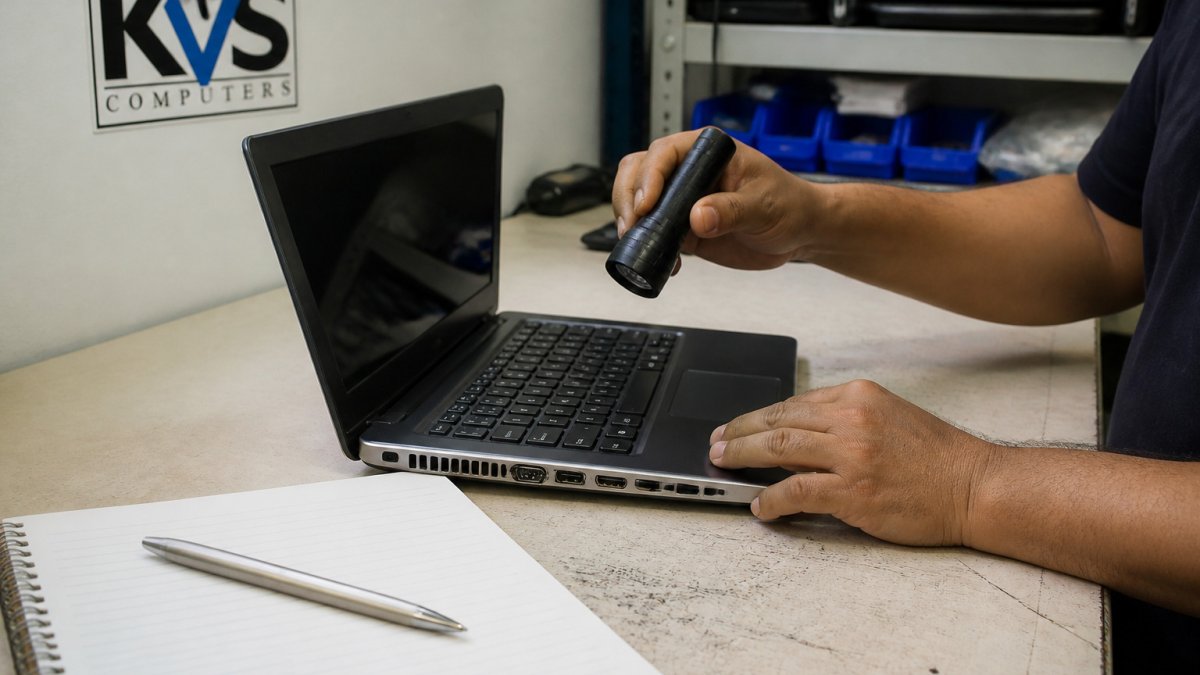
A technician's inspection notes are often more reliable than a general grade. If a listing reports stress-test results, read which components passed and which failed. Our Lenovo ThinkPad listing, for instance, discloses that the USB ports, microphone and Wi-Fi failed testing, which matters a great deal if you need those features.
Refurbished Laptop Warranty and Return Policy: What Protects You
Protection is where auction purchases most often go wrong, and it is the area where platforms diverge most. Before you bid, find out four things: what the seller guarantees, how long any warranty runs, what the return window is, and how a dispute is actually resolved.
Use a consistent comparison across platforms:
- Sale terms, check each listing for whether it is sold as-is or carries a stated guarantee.
- Warranty and return terms, read each listing's description for any warranty or return conditions before bidding.
Pay attention to the wording on each listing. Our current listings state that batteries cannot be guaranteed because the machines were previously used, which is a common limitation for used equipment. Treat that as a signal to budget for a replacement battery if portable runtime matters to you, and factor the cost into your maximum bid rather than discovering it after delivery.
A practical maximum-bid calculation keeps cost in one place: start with the delivered cost you are willing to pay for a working machine, subtract shipping and any known replacement parts, and bid only up to the remainder.
For a full walkthrough of buyer protections, read our guide to buying government surplus laptops safely.
Choosing Your Next Laptop Purchase on KVSAuctions.com
KVSAuctions.com offers government surplus laptops, electronics and refurbished technology through auction, fixed-price and classified listings. Our listings are backed by our parent company, KVS Computers, and KVS Computers is certified for electronics recycling by an R2V3 company.
If you are a student on a tight budget, the $60.00 Dell Latitude 3120 with 8GB RAM and a 64GB MMC drive is one option to review. Small businesses may review the Dell Latitude 3190 2-in-1 pair or the Lenovo ThinkPad T14 Gen 2. Whichever you choose, check the full description, compare the total cost, and read the test notes before you bid.
Ready to start? Register for a KVSAuctions.com account to begin bidding on refurbished laptops today.
Frequently Asked Questions
What are the best alternatives to HiBid for refurbished laptops?
Strong alternatives include government surplus auction platforms and refurbished-electronics sellers that publish test reports. KVSAuctions.com lists tested Dell Latitude and Lenovo ThinkPad laptops, such as a Dell Latitude 3380 with 8GB RAM and 256GB SATA SSD listed at $180.00, and a Lenovo ThinkPad T14 Gen 2 with 16GB RAM and 256GB SSD listed at $190.00. Compare each platform on listing detail, test documentation, fees and return terms before you bid.
Where can businesses buy refurbished laptops in bulk?
Businesses can buy in bulk through lot-based auctions and wholesale refurbished electronics sellers. KVSAuctions.com offers lots, such as two Dell Latitude 3190 2-in-1s with 8GB RAM and 128GB NVMe SSD listed at $240.00 for the pair. Confirm whether chargers, operating systems and batteries are included, because several listings exclude them and battery health cannot be guaranteed on used machines.
Are auction sites a good place to buy refurbished laptops?
Auction sites can offer lower prices, but the lowest bid is not always the lowest cost. The final cost may include charges beyond the bid, so check each listing's full terms. Read the full description, review any attached test report, and check which components are missing before placing a bid.
What should I check before bidding on a refurbished laptop?
Check the processor, RAM, storage, display resolution and operating system listed in the description. Look for stress-test results, battery health percentage and whether a charger is included. For example, one KVSAuctions.com Lenovo ThinkPad listing states that the USB ports, microphone and Wi-Fi failed testing, which is exactly the kind of detail to weigh before bidding.